
Hair, nail, and beauty businesses
Bring your booking, service list, and customer-history tools. We check supported appointment, invoicing, and payment connections before suggesting a change.
For appointments, memberships, and work by invoice
When your day runs on appointments or repeat customers, payments should fit that schedule. Start with the tools your team uses and choose the counter, browser, or billing connection that fits.
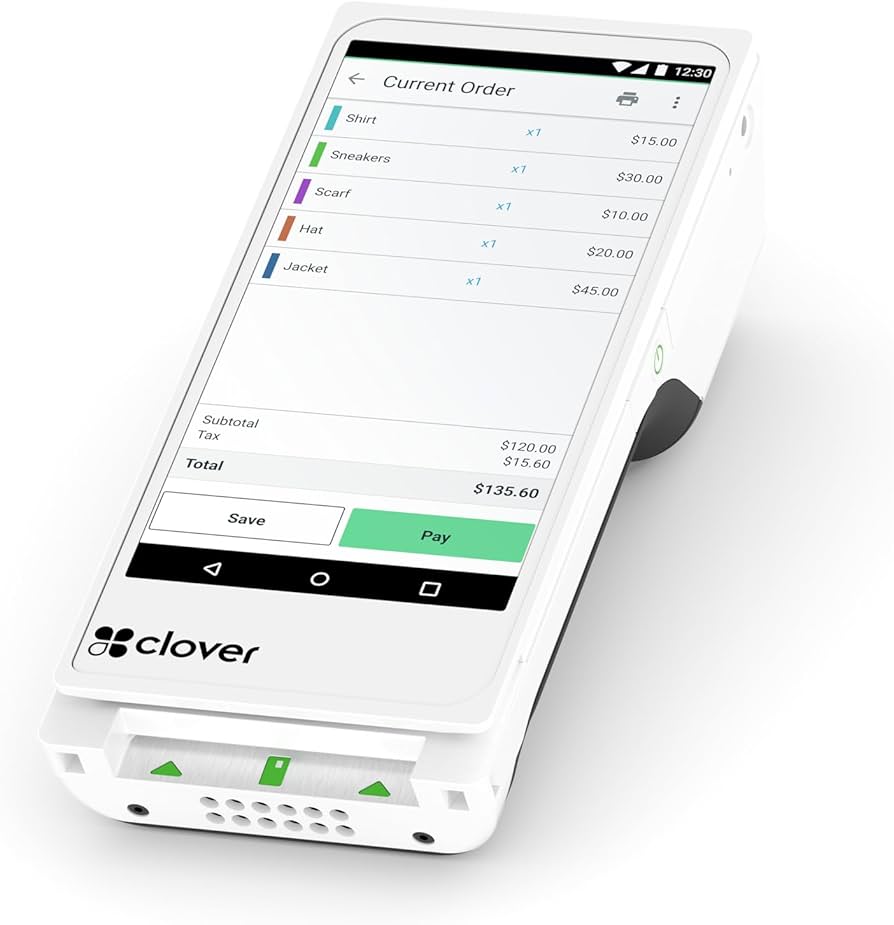
Bring your booking, service list, and customer-history tools. We check supported appointment, invoicing, and payment connections before suggesting a change.
Plan deposits, checkout after the appointment, receipts, and repeat-visit records around the software and payment tools you choose.
Review membership billing, customer authorization, stored payment methods, and counter payments. Confirm the software connection and devices together.
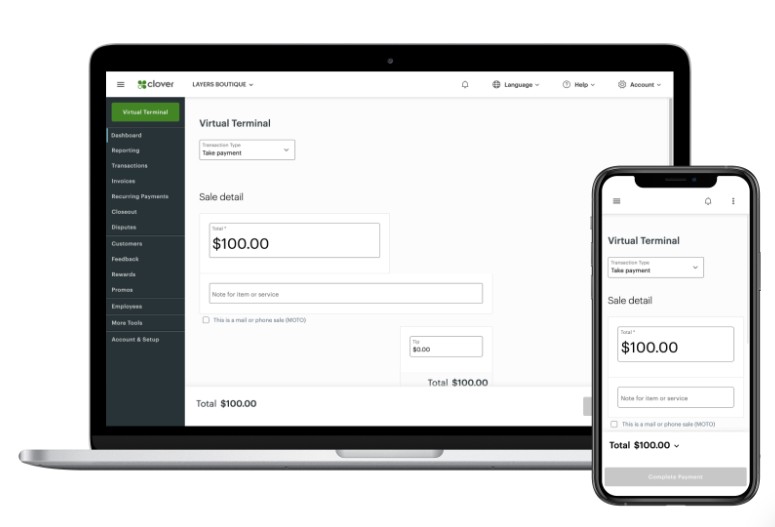
Send invoices, take payments in a browser, or discuss a handheld for work away from the office.
A POS is one option
Compare a compact Mini, handheld Flex, or supported terminal with the receipt and access settings your staff needs.
Use supported emailed payment requests and online checkout. We explain the tool, account connection, and any separate app charges.
Choose compatible recurring billing and card-on-file tools with customer authorization and cancellation handling worked through.
For medical and other specialist workflows
A medical practice, dental office, or other specialist business has requirements beyond a terminal. Bring the software name, version, and operating requirements so we can identify supported payment options.
We plan payment connections separately from clinical records and other sensitive business data. Do not include patient details or card numbers in an inquiry.
Confirm available hardware, gateway support, software fees, and the responsibilities of each provider.
Before you choose
Often the right starting point is your existing software. We confirm the supported gateway, account, device, and version before promising a connection.
Some functions are part of a software plan; other booking, membership, and accounting tools have their own subscriptions. We include those costs in the discussion.
Tell us your target date. Approval, equipment availability, configuration, and integration testing affect the launch plan; we confirm the steps with you.
Choose the next detail
Your next step
Tell us how customers book, how you bill, and how you want to take payment. We’ll work through the supported tools and the cost of the setup.