
Shoe and sneaker stores
Organize size and color variants so a sale points to the right item and stock count. Compare barcode and label workflows for receiving and checkout.
For the stockroom and the checkout counter
A busy shop needs more than a card reader. Organize the items you sell, choose the right scanning tools, and keep checkout and customer records connected.
Start with what you sell
Organize size and color variants so a sale points to the right item and stock count. Compare barcode and label workflows for receiving and checkout.
Start with your item list, barcodes, pricing, and counter space. Match the scanner, POS, and inventory tools to the way your staff receives and sells stock.
Keep item descriptions, sales, and customer history useful for follow-up. Bring any specialist jewelry software or repair workflow so we can check what should connect.
Inventory, variants, customer features, and specialist apps depend on the selected plan and integrations.
The hardware should fit the counter
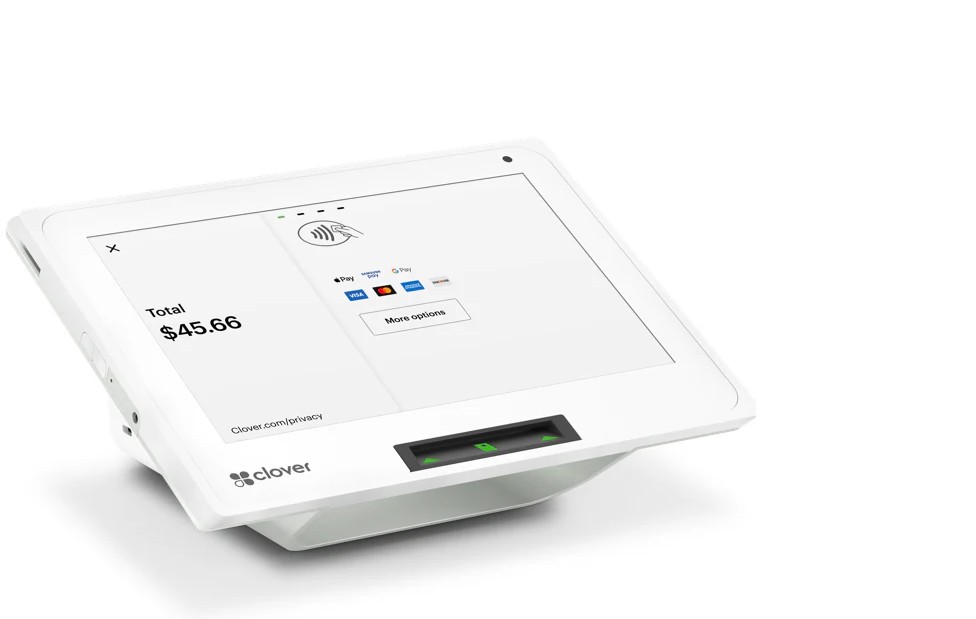
A compact POS with built-in receipt printing for a smaller checkout space.
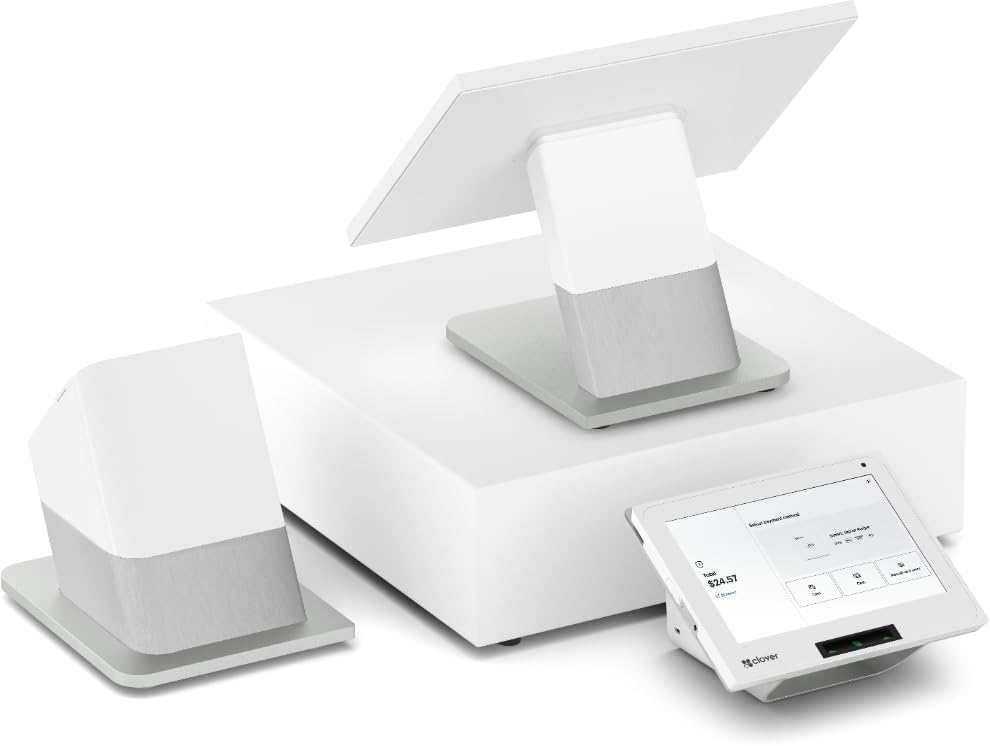
Give staff and shoppers separate screens at the main counter. Plan scanning, receipts, and cash handling as part of the setup.
Bring a handheld payment option to the floor, a queue, or a pop-up. Confirm how stock and sales will be handled on your selected plan.
Before the first busy day
Bring your items, variants, prices, taxes, and existing software. We identify what can be imported or connected.
Configure supported scanning, staff access, payment methods, and receipts around the counter.
Practice a sale, return, stock update, and customer-record lookup with the tools you choose.
Before you choose
Tell us the ecommerce platform and how inventory currently moves between online and in-store sales. We confirm a supported connector, its behavior, and subscription costs before quoting.
Yes, we can discuss supported POS and terminal options including Dejavoo. The model, processor, and software connection determine availability.
StarAccept can help organize transaction records, receipts, and policies for responding. A dispute outcome depends on the case, evidence, and applicable card-network process.
Choose the next detail
Your next step
Share your store type, item count, current software, and the hardware style you prefer. We’ll recommend a supported setup and explain the quote.