Uber Eats
Use the supported Clover integration for menus, availability, and incoming orders. Confirm activation and the marketplace account terms.
For orders that start away from your counter
Direct pickup and delivery marketplaces should join the restaurant’s order workflow. Plan the menu, destination, and handoff together so staff can work from the ticket.
| Channel | Where the customer orders | What to plan |
|---|---|---|
| Direct Clover ordering | Your online menu | Eligible restaurant plan, menu, pickup settings, and printer requirements |
| Uber Eats, Grubhub, DoorDash | The marketplace’s app or website | Native integration activation, menu mapping, and platform terms |
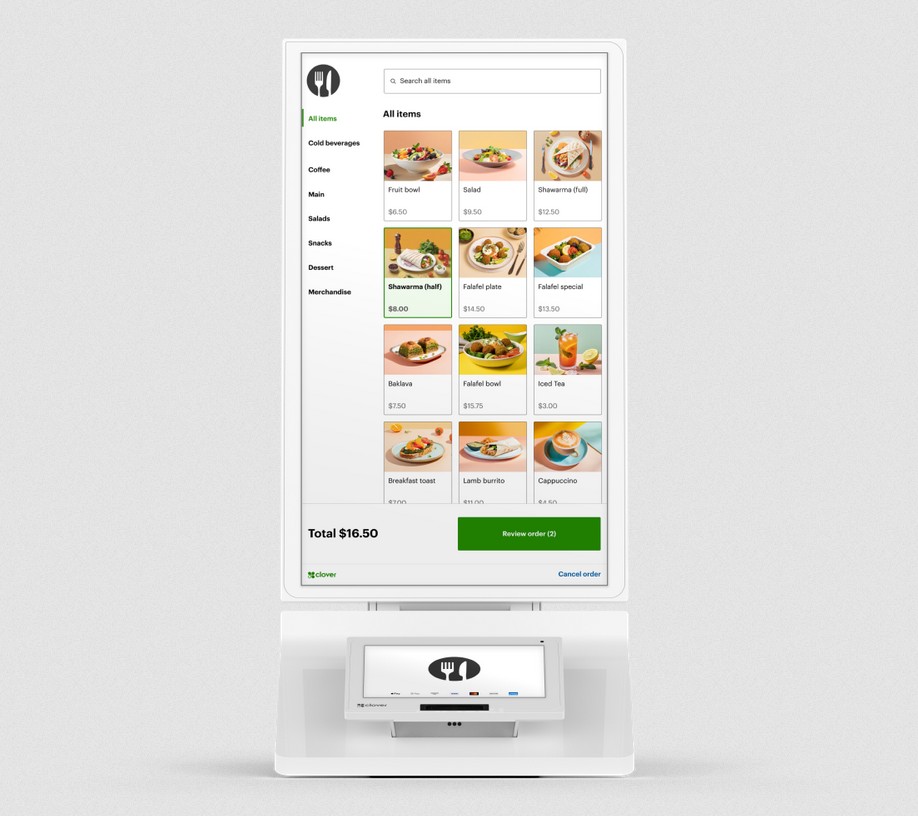
| Clover Kiosk | A self-ordering station in the restaurant | Guest menu, payments, kitchen destination, and pickup flow |
Direct ordering and marketplace delivery have different account, plan, and fee requirements. No single percentage describes the cost for every restaurant.
Fewer separate order-entry tablets
Use the supported Clover integration for menus, availability, and incoming orders. Confirm activation and the marketplace account terms.
Link the Clover online menu so supported pickup and delivery orders can arrive at the POS.
Send supported orders into Clover and configure printing at the POS or kitchen. Some delivery tracking and cancellation tasks remain in DoorDash.
Marketplace commissions and delivery fees still apply according to your agreement. We confirm integration and software requirements with your setup.
Follow the order all the way through
Set categories, modifiers, prices, and availability for the supported channels.
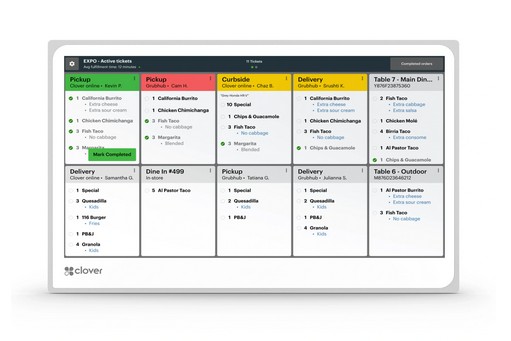
Route food and drinks to the appropriate compatible KDS screens or printers.
Check the customer order, ticket, payment, staff workflow, and pickup instructions together.
Before you choose
No. The POS connection changes the order workflow; it does not remove the marketplace’s commission or delivery charges.
Clover’s direct online ordering has device, restaurant-plan, and printer requirements. We confirm the supported setup before launch.
Supported Clover restaurant configurations can bring those orders into the kitchen workflow. We confirm labels, destinations, printers, and KDS behavior for your stations.
Choose the next detail
Your next step
Share your ordering platforms, Clover setup, kitchen stations, and pickup process. We’ll help plan the supported connection and the full cost.